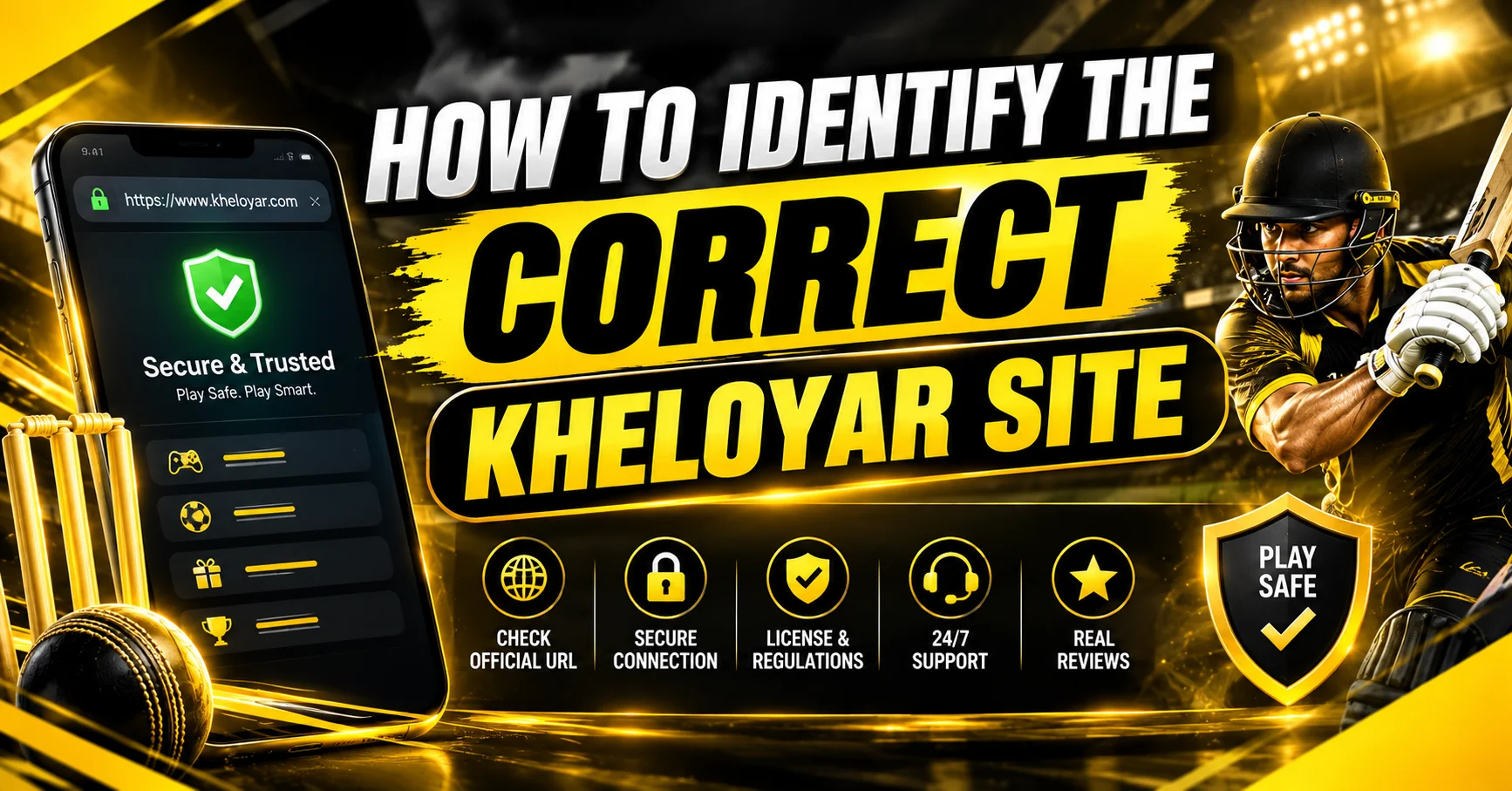
When searching for the Kheloyar website on Google, you may see multiple pages using similar names, domains, or branding. This can make it difficult to know which website is the right one to use.
Before you enter your login details, create an account, or make a payment, take a few minutes to check the website carefully.
This guide explains the simple checks Indian users can follow to identify the correct Kheloyar website and avoid fake or misleading pages.
How to Check the Correct Kheloyar Website
The safest approach is to verify the exact domain, HTTPS connection, website information, and account links before using a site.
Do not choose a website only because it appears first on Google or uses the Kheloyar name in its domain.
1. Check the Exact Website Domain
The domain is the website address shown in your browser’s address bar.
Before signing in, compare the domain with the official domain published by the Kheloyar team.
Be careful with domains that:
- Add extra words or unusual characters
- Use spelling variations that you did not expect
- Use a different domain extension
- Redirect you through unrelated websites
- Ask you to install unknown software
- Have a URL that looks different from the official website
Important: a similar-looking domain does not automatically mean it is the official website.
If Kheloyar changes its domain, users should rely on the currently published official address rather than old links shared on social media, Telegram, WhatsApp, forums, or other websites.
2. Check HTTPS Before Entering Your Details
Look at the browser address bar before entering your username, password, OTP, or payment information.
The website should use an HTTPS connection.
You should see a secure connection indicator in the browser, and the address should begin with:
https://
HTTPS helps protect information while it travels between your browser and the website. However, HTTPS alone does not prove that a website is the official Kheloyar website.
A fake website can also use HTTPS.
Therefore, check the domain as well.
3. Don’t Trust a Website Just Because It Has the Kheloyar Name
A common mistake is assuming that any website containing the word Kheloyar is genuine.
That is not enough.
A website can use:
- Kheloyar in its domain
- Kheloyar logos or images
- Similar colours and design
- Copy taken from another website
- Claims such as “official”
- Login or registration buttons
These things can be copied.
The domain and its connection to the official Kheloyar website are more important than the appearance of the page.
4. Check the Login and Registration Links
If you already know the correct Kheloyar website, use its own navigation to reach the login or registration page.
Avoid clicking a random login link from:
- WhatsApp messages
- Telegram groups
- Unknown websites
- Comment sections
- Unverified social media accounts
- Pop-up advertisements
A safer approach is:
Official website → Login → Account
rather than:
Random message → Login link → Account
This reduces the chance of entering your details on a copied login page.
For account access, you can also refer to our dedicated Kheloyar Login guide.
5. Check the Website’s About and Contact Information
A trustworthy website should make it reasonably clear who operates the site and how users can contact the team.
Before using the platform, check whether the website provides:
- About Us information
- Customer support details
- Contact information
- Terms and conditions
- Privacy policy
- Responsible gaming information
- Account and payment information
- Relevant licensing or regulatory information, where applicable
Don’t rely on a badge, certificate image, or licence number alone. If a site makes a regulatory claim, users should be able to verify that claim through an appropriate authoritative source.
This is particularly important for betting and gaming websites because users may be making financial decisions.
6. Be Careful With Fake Kheloyar Apps and APK Files
Do not install an APK simply because a website says it is the “official Kheloyar app.”
Before downloading an Android application, check:
- Where the download link comes from
- Whether the link is published on the verified website
- What permissions the application requests
- Whether the download redirects to another domain
- Whether the file is being shared through an unknown third party
If you are not sure whether an APK is genuine, don’t install it.
Use the official website’s own mobile instructions instead.
7. Never Share Your Password or OTP
A genuine support representative should not need your account password or one-time password.
Never share:
- Password
- OTP
- PIN
- Banking password
- UPI PIN
- Card PIN
- Full payment credentials
If someone contacts you claiming to be Kheloyar support and asks for these details, stop the conversation and verify the request through the official support channel.
8. Check for Suspicious Offers
Fake websites often try to attract users with unrealistic claims.
Be cautious if a website promises:
- Guaranteed winnings
- Guaranteed profits
- Risk-free betting
- Guaranteed returns
- Unusually large bonuses
- “100% winning” predictions
- Guaranteed withdrawal
- Guaranteed match results
Sports betting always involves risk.
A promotional claim should never be treated as a guarantee that you will win money.
9. What to Do If You Find a Suspicious Kheloyar Website
If you believe you have found a fake or misleading website:
- Do not enter your login details.
- Do not make a deposit.
- Do not download an unknown APK.
- Check the domain against the official website.
- Contact Kheloyar through its verified support channel.
- If you already entered sensitive information, change your password immediately.
- Monitor your payment accounts for unusual activity.
If you entered banking or payment credentials on a suspicious website, contact your bank or payment provider through its official channel.
Kheloyar Website Verification Checklist
Before signing in, use this quick checklist:
| Check | What to look for |
|---|---|
| Domain | Does it exactly match the currently published official website? |
| HTTPS | Is the connection secured with HTTPS? |
| Login URL | Did you reach login from the verified website? |
| Contact | Is there clear customer support information? |
| About Us | Does the site explain who operates it? |
| Terms | Are terms and conditions available? |
| Privacy | Is there a clear privacy policy? |
| Responsible Gaming | Are responsible gaming guidelines provided? |
| Payment | Does the payment process look consistent with the official site? |
| APK | Is the app download coming from the verified website? |
| Claims | Does the website avoid unrealistic winning guarantees? |
What Is the Safest Way to Find the Kheloyar Website?
The best method is to verify the website address rather than selecting a result based only on its position in Google.
Google search rankings can change, and third-party websites can use similar brand names.
Once you have confirmed the correct website, bookmark the verified domain and use that bookmark when you return.
This reduces the risk of accidentally visiting a lookalike website later.